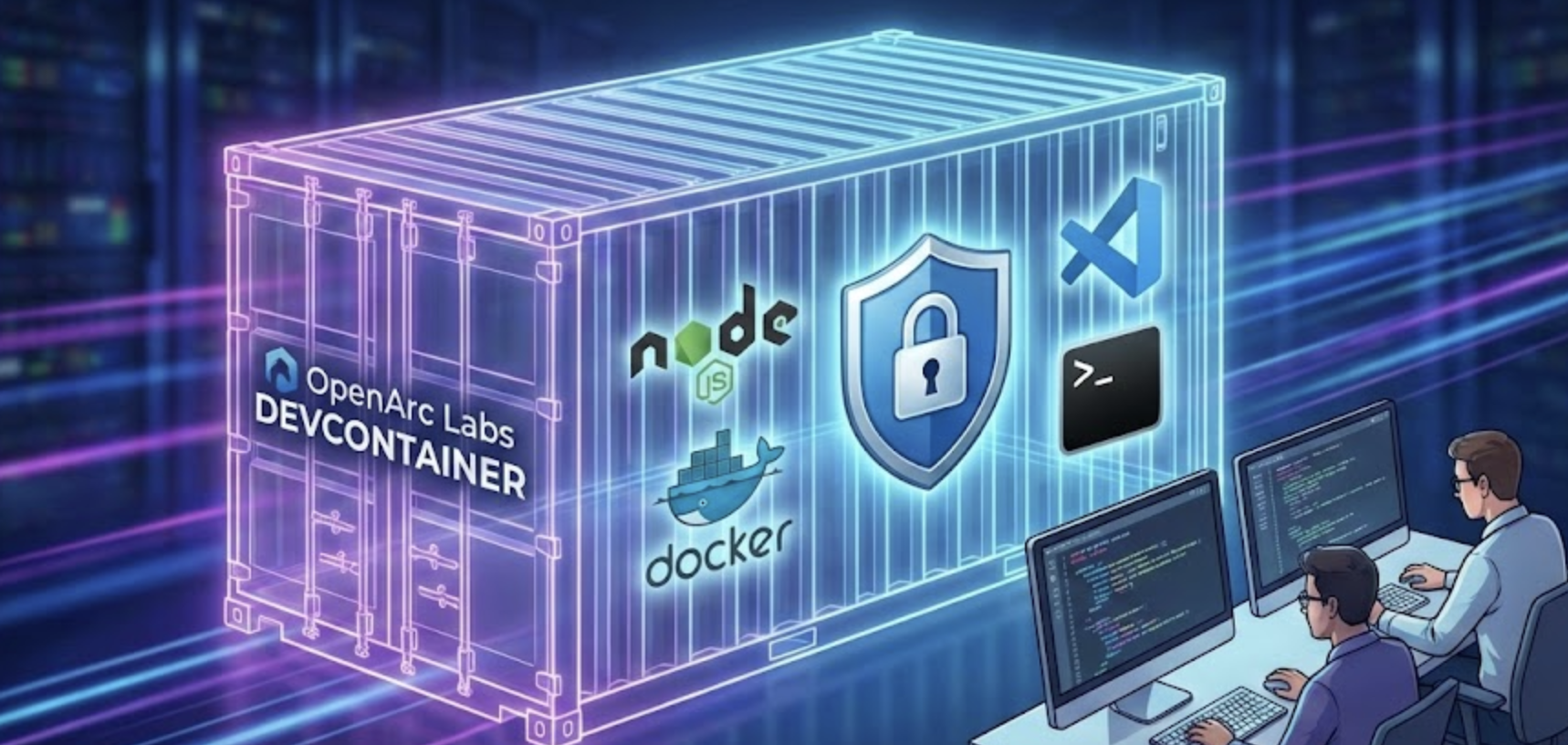
Balancing Speed and Security: Inside OpenArc's DevContainer Architecture
Author
Joel Reed
Date Published
At OpenArc Labs, we believe the phrase "It works on my machine" should be a relic of the past.
To ensure our engineering teams move fast without breaking things, we prioritize a development experience (DX) that is identical, reproducible, and robust across every workstation. Our solution? A highly customized DevContainer setup.
In this post, we are lifting the hood on our .devcontainer configuration. We will explore how we architected our environment for our Labs website, the security trade-offs we navigated, and how we plan to iterate on this foundation.
The Engine Room: Key Features
Our DevContainer is designed to be lightweight but punchy. We built it on a Node.js 24 base image (Debian slim) to keep footprint low while accessing the latest runtime features.
Here is how we optimized the stack for performance and developer sanity:
1. Modern Package Management & Tooling
- Efficient Dependencies: We utilize pnpm via corepack. This saves significant disk space and speeds up installation times compared to traditional npm/yarn workflows.
- Headless CMS Ready: We include global installations of PayloadCMS, ensuring our backend management is ready to go the moment the container spins up.
- Essential Utilities: We pre-install the tools our engineers reach for daily:
vimfor quick edits,htopfor monitoring, andtreefor visualizing structure.
2. Seamless Docker & Git Integration
- Docker-in-Docker: We include the Docker CLI and leverage the host's daemon. This allows us to orchestrate containers from within the development environment without the overhead of nested virtualization.
- Automated Auth: We realized that manual login is a friction point. Our setup script handles Docker login automatically, and we pass environment variables for GitHub, Git, and DigitalOcean tokens securely from the host.
3. A "Feels Like Home" Editor Experience
- VS Code Ecosystem - Enhanced with AI: We curate a specific set of extensions—including Tailwind CSS, ESLint, Prettier, AmpCode, Kilo, and Playwright—so every developer has AI-assisted coding, linting, formatting, and testing capabilities out of the box.
- Smart Networking: We automatically forward port 3000 for our Next.js server, complete with desktop notifications, ensuring developers never miss a beat when the server creates a listening port.
- Persistent Shells: We default to Zsh and mount configuration from the host, allowing developers to keep their aliases and shell preferences intact.
Security: The Art of the Trade-off
Security in a development environment is often a balancing act between strict lockdown and developer velocity. At OpenArc Labs, we take a "defense in depth" approach while acknowledging necessary trade-offs.
Hardening Measures
1. Supply Chain Defense: We have integrated pmg (Package Manager Guard) directly into the container's configuration. This tool acts as a proactive shield, analyzing dependencies for known malicious patterns before installation to protect our developers from typo-squatting and compromised packages.
2. Non-Root Context: The DevContainer runs strictly as the non-root node user (UID 1000).
3. Capability Dropping: We drop all Linux capabilities except DAC_OVERRIDE (essential for file operations) and strictly enforce no-new-privileges to prevent privilege escalation attacks.
4. Automatic Patching: By configuring the setup to upgrade packages during the build process, we mitigate vulnerabilities present in the static base image.
The "Docker Socket" Reality
Transparency is key to trust. We explicitly mount /var/run/docker.sock to give our DevContainer access to the Docker CLI.
The Risk: This grants the container significant privileges—effectively, control over the host's Docker daemon.
The Mitigation: We accept this trade-off for the sake of functionality but mitigate it by controlling token scope. Sensitive tokens (like GitHub PATs) are passed via environment variables with the minimum permissions required. This places a responsibility on the host machine's security, a factor we actively manage.
Future-Proofing: What’s Next?
Engineering is never "done." While our current setup is robust, we have identified a roadmap for immediate improvements to further mature our workflow:
- Strict Version Pinning: We currently pull the latest Node.js 24 image. Moving to specific SHA digests or version tags will increase build reproducibility and protect against upstream supply chain attacks.
- Extension Hygiene: We plan to audit our extension list to prune non-essentials and pin versions, preventing "auto-update" surprises that break the workflow.
- Error Handling: We are enhancing our automation scripts to include verbose logging and better error trapping, making troubleshooting easier when builds fail.
Conclusion
Our DevContainer setup represents OpenArc Labs' commitment to engineering excellence. By automating the mundane and securing the essential, we allow our developers to focus on what matters: building exceptional software.
We hope this deep dive helps you architect your own environments. If you are interested in the code behind this philosophy, feel free to explore our open-source repositories or reach out to the team.